So you’ve had a couple of recording sessions. Maybe finished a track or two. Now what? Fear not, Bay Eight is were to guide you through what’s next. Let’s talk about how you turn your studio sessions into streaming-ready tracks.
Start with the Right Equipment
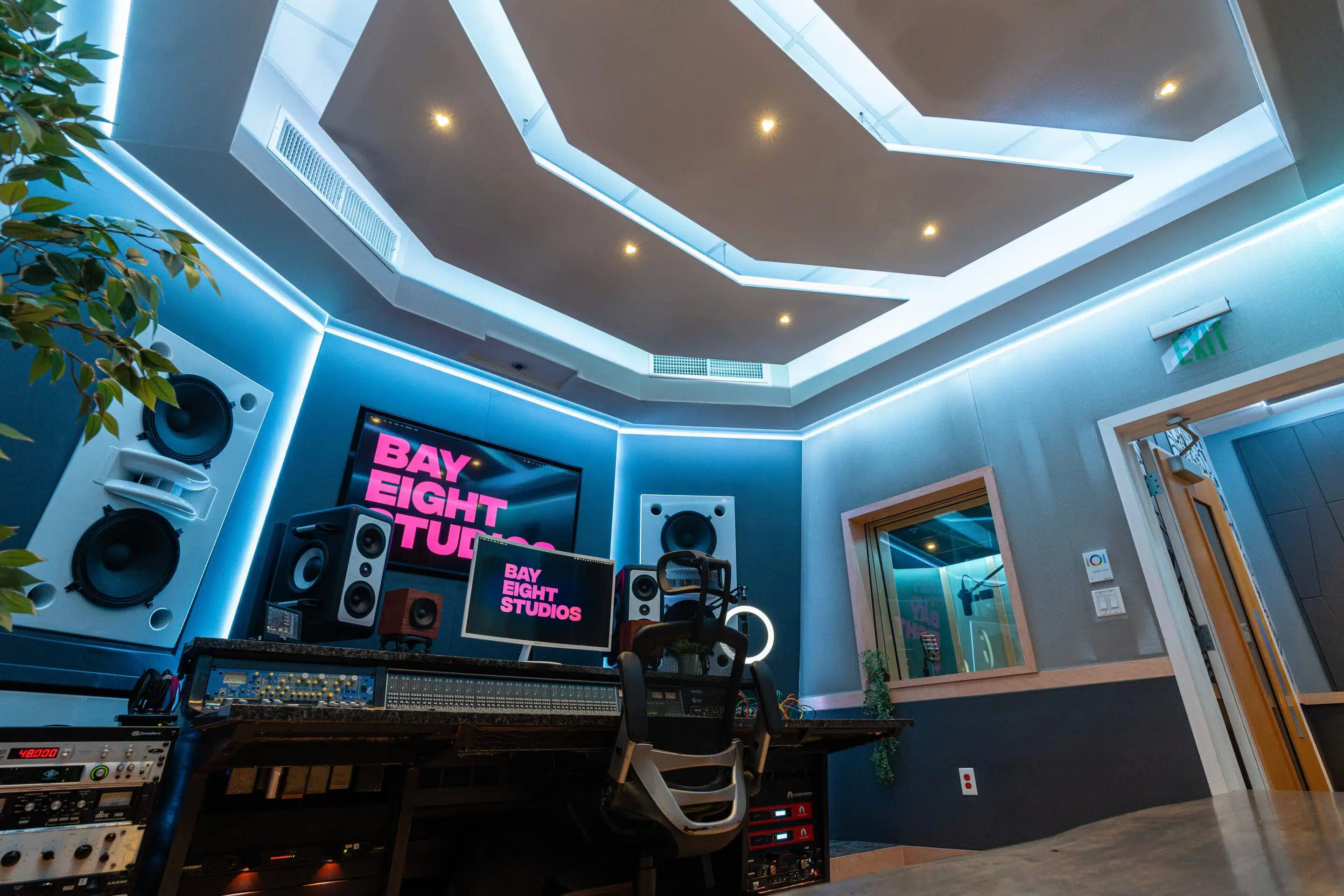
It’s no use putting music with bad sound quality on Spotify. You need to start with the right equipment. Trying to fix bad sound quality after recording is like trying to save a cake after you mixed up the salt and the sugar. No amount of frosting is going to undo your initial mistake. So start by recording in a quality studio!
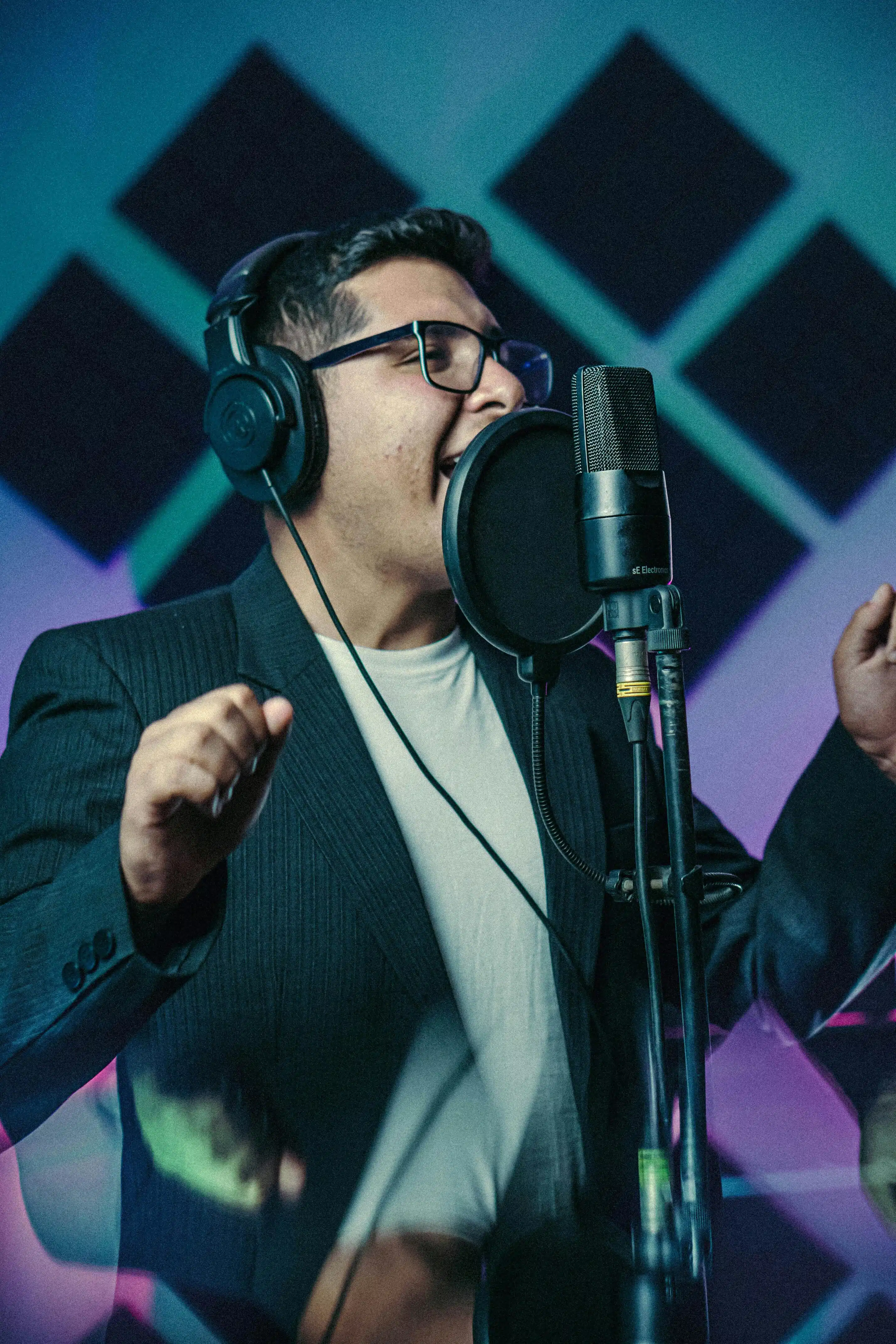
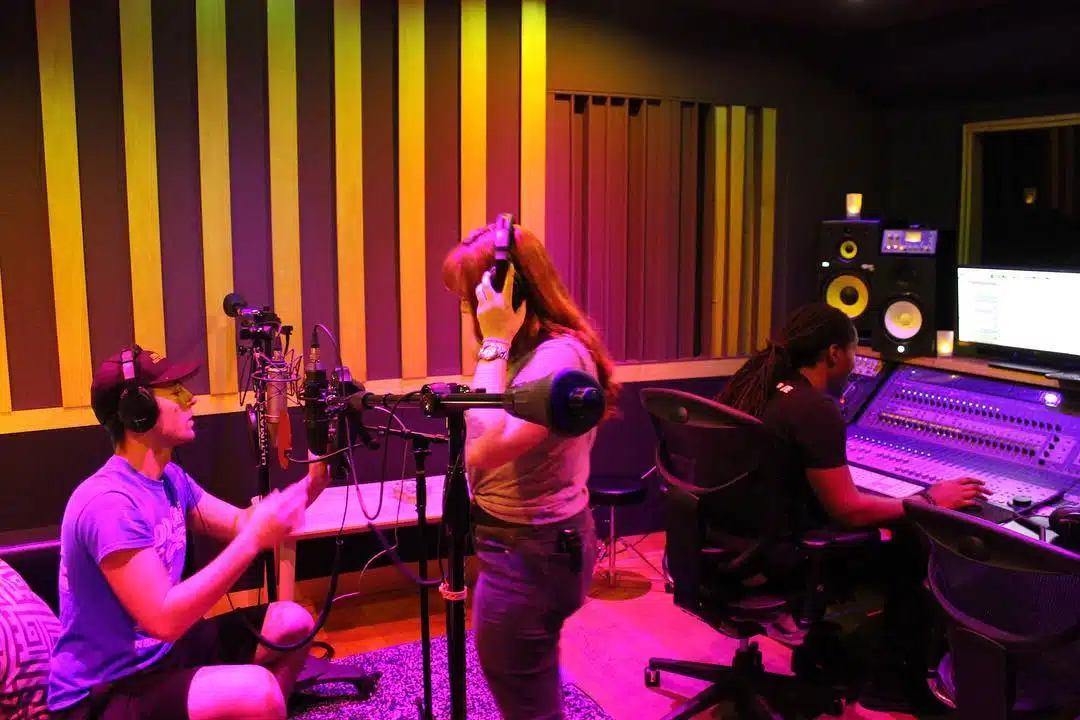
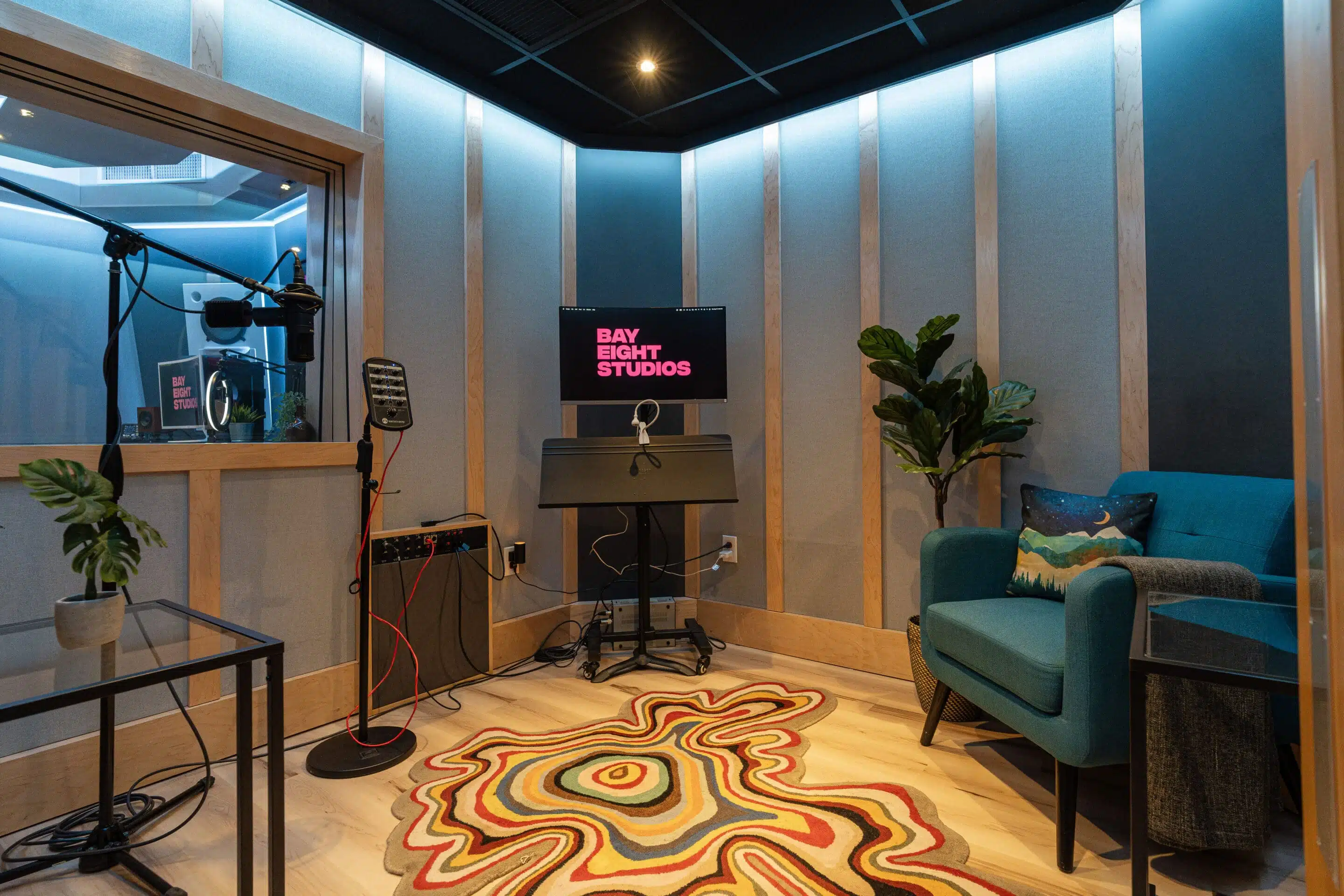
Bay Eight offers three studio rooms, all professionally sound-proofed with state-of-the-art equipment like the SSL AWS900 Superanalogue console, the Sony C800G, and the TubeTech CL1B Compressor. Whether you record in a studio or at home, make sure the final recording is clear, and that your voice and instruments sound as best as they can.
Mixing and Mastering
At Bay Eight, we provide radio-ready mastering services, available to you whether you record with us or not. If you’re recording at home, remote-mixing services are a great way to elevate the sound quality of your recordings. Mixing engineers adjust the audio tracks that make up your record to ensure the perfect sonic balance.
We offer stem-mixing and stereo-mixing services. Call us for more information about our mixing and mastering services to get your songs radio-ready.
Our Mixing and Mastering services are guaranteed to compete with the biggest names in the industry.
Choose a Streaming-Approved File Format
There are a few options for the audio file format you can upload to music streaming services. WAV and MP3 are typically the most common formats.
This is how you upload your music to Spotify if you just want the files for yourself.
Distributors

You most likely want to upload your music so you can share it with others and get streams.
For that process, you need distributor. You cannot directly upload your music to Spotify, Apple Music, or any other major platforms for streaming.
What is a Distributor?
“The mail person” delivering your music is not a bad way to put it. Your options for a distributor include CD Baby, Distrokid, LANDR, Tunecore, and now Soundcloud Distribution. Cost varies, and distributors offer varying perks like payment splitting amongst collaborators, lyric distribution, phone support, etc.
In addition to uploading your music to Spotify, Apple Music, Youtube Music, and Amazon Music, most distributors will automatically add your music to new platforms as they spring up. Once your audio is streaming-optimized, then it’s time to pick a distributor. Research is essential to deciding which distributor is best for you.
We AreMIami's #1Recording Studio
Upload your Track to the Distributor’s Website
You’re ready to upload!
The distributor will ask you to answer questions like the title of your track, your artist name, and the song’s lyrics. Set your music up for success by adding quality artwork and tagging your genres. Once your application is approved by your distributor, your music is ready to upload. You can either choose the date you want your music to be released, or schedule it for immediate release.
Bay Eight guarantees balanced Spotify-ready mixes that are consistent across streaming platforms. This includes ensuring an optimal loudness level without distortion. Contact us for mastering services and we’ll get your music radio-ready.
Bay Eight is where artists find privacy and platinum sound.
21 #1s.